From Figma Design Tokens to a Themed React Tailwind App in One Afternoon
Jamie
What “design tokens to production” really means
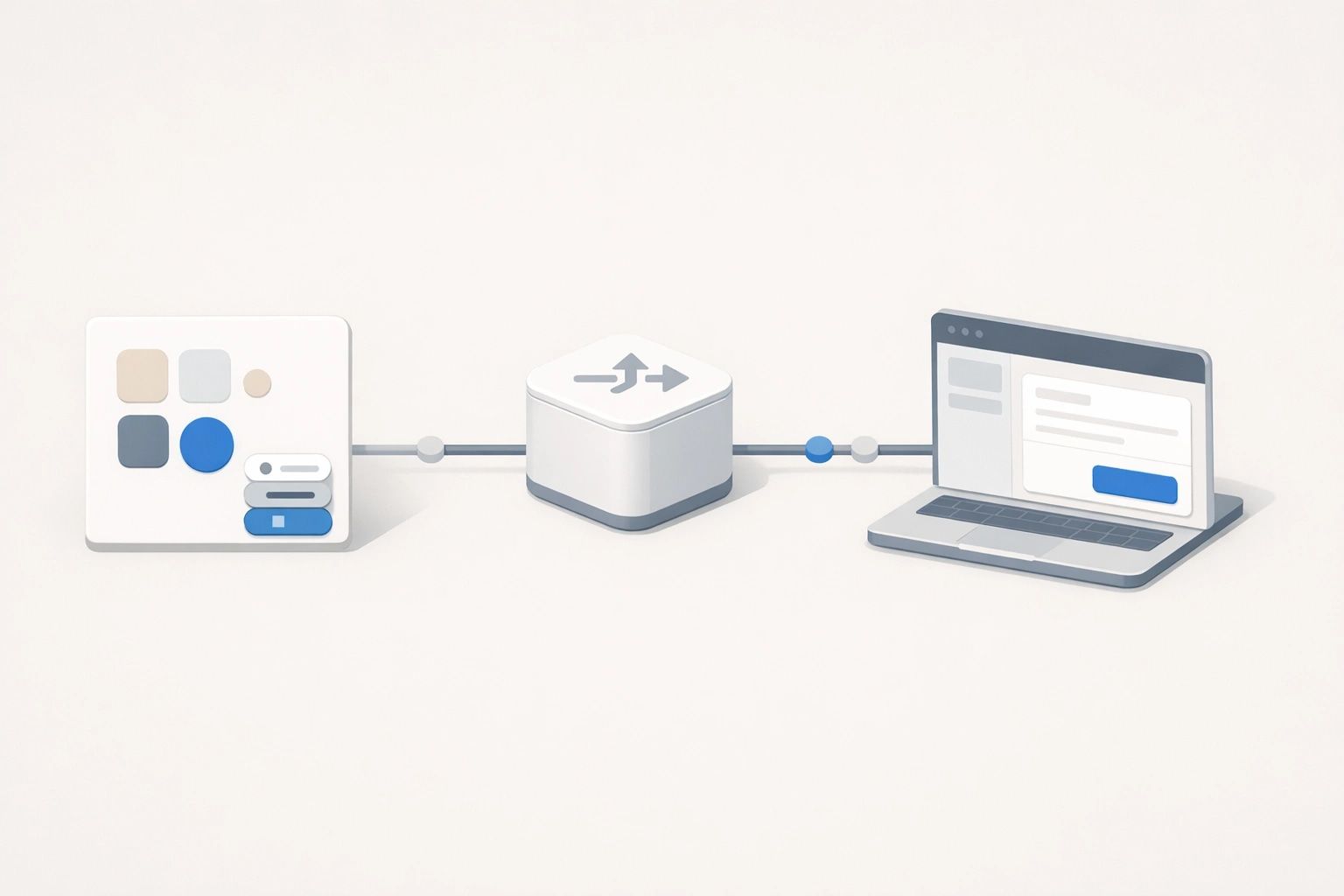
Design tokens are the smallest, reusable decisions in your design system: colors, spacing, typography, radii, shadows, and component states expressed as named values. The goal of a tokens-to-production workflow is simple: the visual rules in your Figma style guide become the same rules your React app uses at runtime, without hand-copying hex codes into random CSS files.
“In one afternoon” is realistic if you keep the scope tight: a single theme (or light/dark pair), a working Tailwind config, and one or two demo components to validate the system end to end. Once that pipeline is in place, expanding coverage is mostly repetition.
Prepare your Figma style guide for export
1) Name tokens for code, not for taste
Before exporting anything, align on naming that survives both design and engineering. Prefer semantic tokens like color.background, color.text, color.primary over raw palette names like blue-500. Palettes still matter, but they should sit behind semantics.
- Core tokens: raw palette ramps, base spacing scale, type scale.
- Semantic tokens: background/surface/text/border/primary/critical, etc.
- Component tokens (optional today): button bg, input border, focus ring.
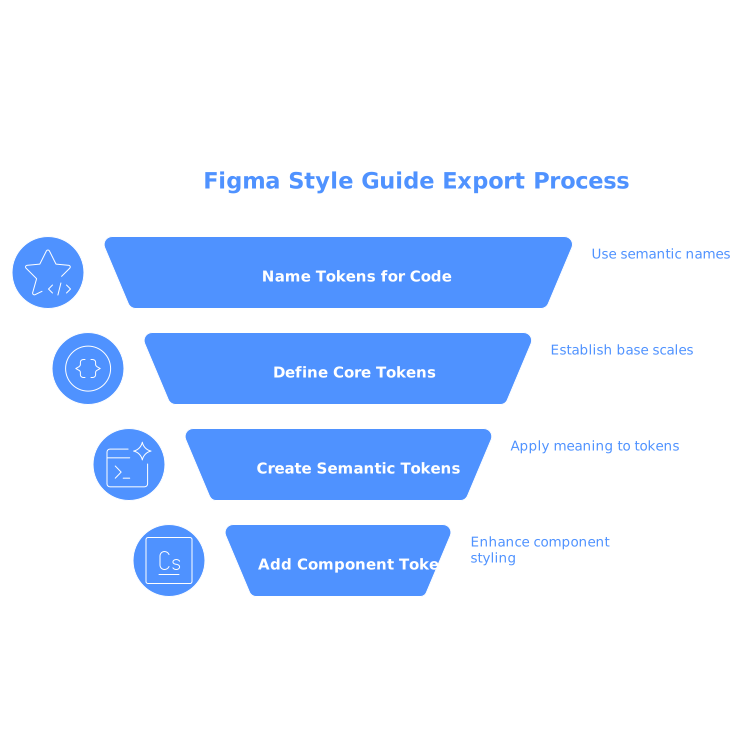
This separation is what makes future rebrands or dark mode manageable: you update semantic mappings rather than touching every component.
2) Normalize units and scales
Decide early how you’ll represent values in code:
- Spacing: use a consistent base (e.g., 4px) and express tokens as px or rem, but keep it consistent.
- Typography: define font families, sizes, line heights, and weights as tokens—not only in Figma styles.
- Radii/shadows: keep a small set (e.g., sm/md/lg) that maps cleanly to Tailwind utilities.
Export tokens from Figma without creating a mess
There are several ways to extract tokens (plugins, variables export, JSON dumps). The specific tool matters less than the output shape: you want a single source of truth file you can check into Git and regenerate consistently.
A practical format is a simple JSON structure grouped by category:
{
  "color": {
    "background": "#0b0f17",
    "surface": "#111827",
    "text": "#e5e7eb",
    "primary": "#60a5fa"
  },
  "radius": {
    "sm": "6px",
    "md": "10px"
  },
  "space": {
    "1": "4px",
    "2": "8px",
    "3": "12px"
  }
}
Even if your export tool generates a more complex schema, the “afternoon workflow” is to transform it once into a predictable shape that your app can consume.
Turn tokens into a Tailwind theme
1) Prefer CSS variables as the bridge
Tailwind is excellent at utility generation, but it doesn’t need to own your values directly. A robust approach is:
- Emit tokens as CSS custom properties (variables) on
:root(and on[data-theme="dark"]if needed). - Configure Tailwind colors to reference those variables.
This gives you runtime theming (swap themes without rebuilding) and keeps tokens portable across apps.
Example CSS variables:
:root {
  --color-background: 11 15 23;
  --color-surface: 17 24 39;
  --color-text: 229 231 235;
  --color-primary: 96 165 250;
  --radius-md: 10px;
}
[data-theme="dark"] {
/* override only what changes */
}
Using space-separated RGB values makes it easy to support opacity in Tailwind with rgb(var(--token) / <alpha-value>).
2) Map Tailwind config to your tokens
In tailwind.config.js, map semantic colors and a few layout primitives:
- Colors:
bg-background,text-text,bg-surface,text-primary. - Border radius: map
rounded-mdtovar(--radius-md)if you want token control. - Font family: set to tokenized stacks for consistency across components.
Keep it semantic. You can always expose a palette later, but semantic tokens are what keep your UI consistent.
Wire tokens into a React app with confidence
1) Create a single theme entry point
Make a dedicated theme file (or folder) that owns:
- The generated CSS variables
- Any token transformation script
- A minimal README on how to regenerate tokens
This prevents “drive-by styling” where random values appear throughout the codebase.
2) Validate with two or three real components
Don’t start by theming your whole app. Build a small “theme proof” screen with:
- A button (default, hover, disabled)
- An input (border, focus ring)
- A card (surface, border, shadow, radius)
If these look right, your tokens are probably mapped correctly. If they look wrong, you’ll catch it early before hundreds of classes depend on the wrong assumptions.
Common pitfalls that slow teams down
Mixing palette and semantics
If components use blue-500 directly while your design system says “primary,” you’ll lose the ability to re-theme quickly. Keep components semantic; keep palettes behind the scenes.
Exporting too much too soon
It’s tempting to export every Figma style and variant. For an afternoon workflow, stick to core and semantic tokens first. Component tokens can come later once you’ve proven the pipeline.
Forgetting dark mode strategy
If you need light/dark, decide whether you’ll support:
- Two token sets (light overrides dark or vice versa)
- One semantic set with minimal overrides
CSS variables make this straightforward and avoid rebuilding Tailwind for each theme.
How Lovable fits into a fast tokens-to-app workflow
When your goal is to go from a style guide to a working, themed interface quickly, the bottleneck is usually not Tailwind itself—it’s wiring everything together cleanly, then iterating without breaking consistency. Lovable is useful in this phase because it helps you move from idea and reference materials (including screenshots or docs) to a running React + Tailwind prototype that you can refine through conversational feedback, while still ending up with production-ready code you own.
A practical approach is to establish the token pipeline first (export → variables → Tailwind mapping), then use that as the foundation for fast UI iteration. Your theme stays stable while components evolve quickly.
A repeatable “one afternoon” checklist
- 30–45 min: Clean up naming in Figma (core vs semantic) and normalize scales.
- 30 min: Export tokens and create a single transform into your preferred JSON shape.
- 45–60 min: Generate CSS variables and map Tailwind config to semantic tokens.
- 45–60 min: Build a theme proof page in React (button/input/card) and validate states.
- 15 min: Document regeneration steps and lock down “no raw values” conventions.