Silent Spam Signals from Unopened Warmup Emails in Gmail and Microsoft 365
Jamie
The “silent spam” problem most warmup routines don’t measure
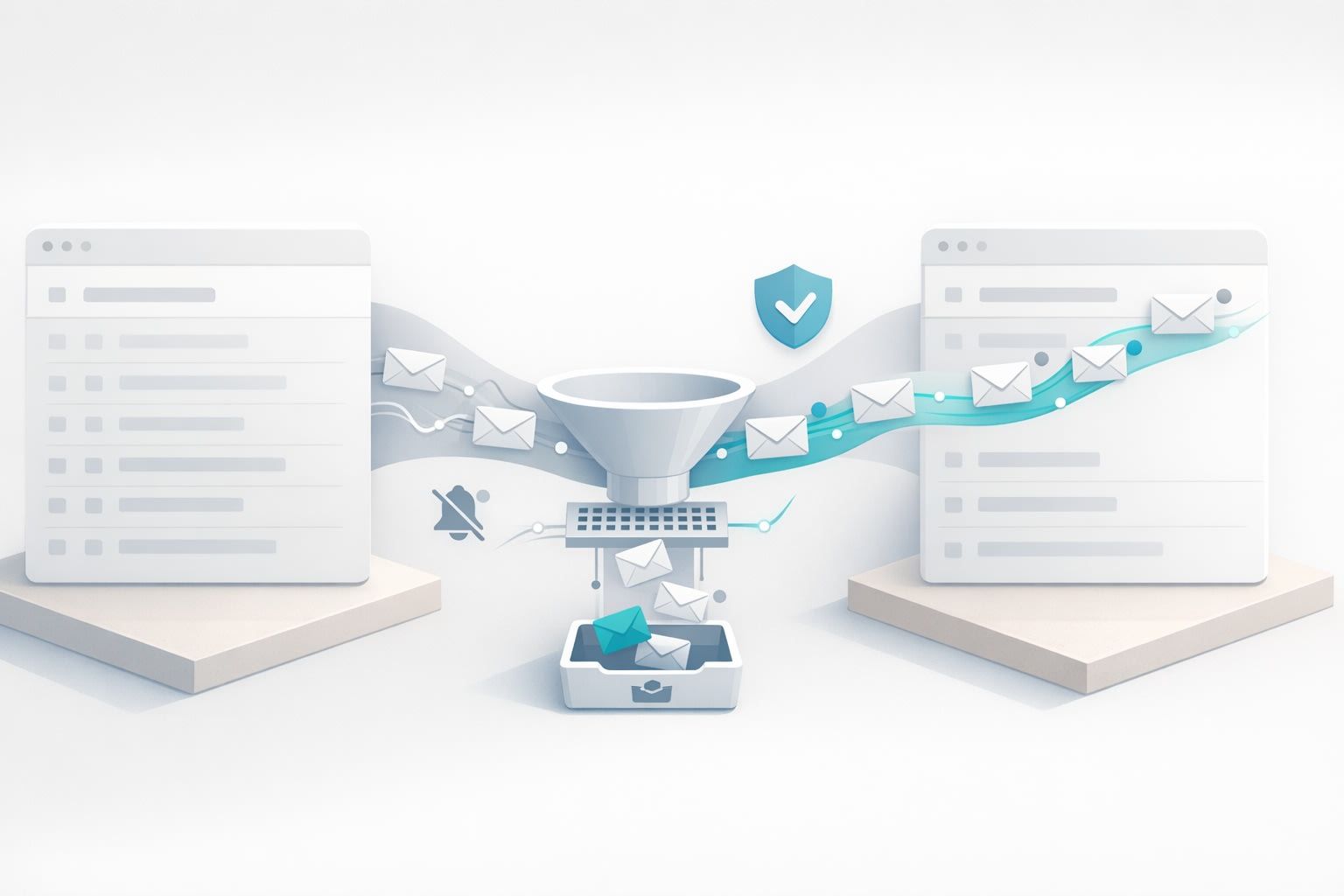
Email warmup is supposed to create positive engagement signals: opens, replies, thread activity, and “this is not spam” actions that gradually strengthen sender reputation. The catch is that many warmup setups generate a different kind of signal too—one that’s easy to miss because nothing “breaks” immediately.
That signal is persistent non-engagement: warmup emails that get delivered but are never opened, never replied to, and quietly pile up. In Gmail and Microsoft 365 (Outlook/Exchange Online), this pattern can behave like a soft form of negative feedback. Not an explicit spam complaint, but an ongoing hint that recipients don’t value what you send.
Why unopened warmup mail can hurt deliverability
Modern mailbox providers don’t judge your mail on a single event. They look at trends: how recipients interact with your messages over time and whether your sending behavior resembles legitimate correspondence. When warmup emails repeatedly land and then sit untouched, you create a “delivered but ignored” footprint that may look similar to low-value outreach.
That’s why “silent spam” is so frustrating: your dashboards can show good delivery rates while your inbox placement slowly degrades. In practice, it often shows up as:
- More messages landing in Promotions/Other tabs or secondary folders
- Gradual inbox-to-spam drift for certain segments (often Gmail first)
- Higher volatility when you increase volume or change templates
- Good results from one mailbox but poor results from another under the same domain
How Gmail interprets “delivered but not opened” patterns
Gmail is heavily engagement-driven. The exact weighting is proprietary, but in real-world deliverability work, consistent user activity (opens, replies, starring, moving mail) correlates strongly with stable inbox placement. The important nuance is that Gmail doesn’t need recipients to actively report spam for your performance to slip—lack of engagement can be enough to reduce trust.
Warmup mail that is repeatedly unopenable (because it lands in low-attention areas, or the receiving inbox is never checked) tends to create a measurable gap: messages arrive, but nothing happens afterward. If that becomes your dominant pattern, it can offset the positive signals you think you’re generating.
How Microsoft 365 differs and why “quiet ignoring” still matters
Microsoft 365 (especially for business tenants) often emphasizes different signals than consumer Gmail. You’re dealing with a mix of authentication, reputation, and policy-based filtering, plus user-level actions inside Outlook. While Microsoft’s ecosystem can sometimes appear more tolerant in the short term, a sustained absence of interaction still isn’t neutral.
In practice, “silent spam” in Microsoft 365 can look like:
- Mail routed to Junk for some mailboxes while others still see Inbox delivery
- Inconsistent placement across tenants (one customer’s org is fine, another blocks you)
- Filtering sensitivity right after a volume ramp or cadence change
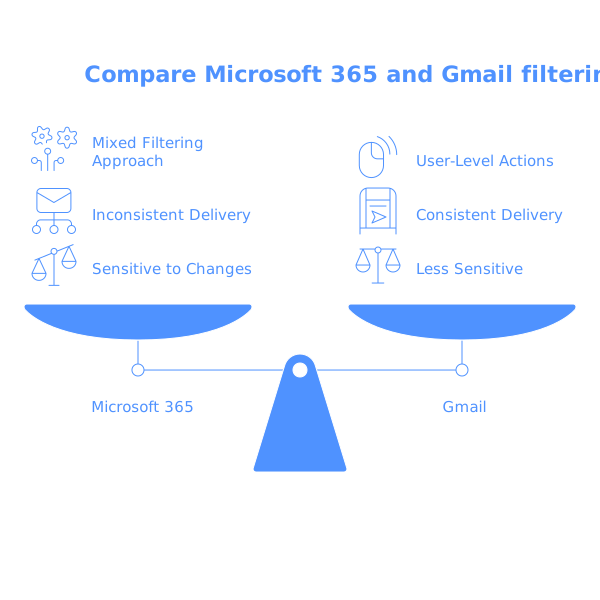
If your warmup network includes inboxes that don’t actively engage, you can end up training Microsoft’s filters on a behavioral baseline of “messages that arrive and are ignored,” which is not the signature you want.
Where unopened warmup mail comes from
The most common root causes are operational rather than technical. A few patterns show up repeatedly:
Warmup accounts that are not truly active
If the receiving inboxes aren’t actually used like a human would use them—opening, replying, occasionally moving messages—warmup becomes “delivery without behavior.” That’s the silent spam recipe.
Low-variance content and predictable cadence
If your warmup mail looks templated, arrives at the same times, and lacks realistic conversational variation, it can generate less meaningful engagement even when it’s “opened.” Unopened mail is the extreme version of the same problem.
Irregular real-world sending patterns
Teams that send in bursts (launches, quarterly outreach, seasonal sales) often over-rely on warmup during quiet periods. That’s when silent accumulation happens: warmup continues, but nobody is monitoring engagement quality. If this is your scenario, the dynamics are closely related to what causes deliverability issues in irregular sending cycles—see the low-volume trap and how to warm up inboxes for irregular sending.
Mailbox overload and “set-and-forget” automations
Even legitimate warmup setups can drift if the process isn’t periodically audited. If warmup emails are routed into a folder that’s never viewed, or if an inbox login breaks and no one notices, you get weeks of non-engagement while believing the system is running fine.
What “good” warmup engagement looks like
The goal is not to manufacture clicks; it’s to simulate the kinds of interactions that represent real correspondence. Healthy warmup behavior typically includes:
- Consistent opens across a broad set of receiving inboxes
- Replies that create threads (not one-off responses)
- Occasional forward-like or multi-message back-and-forth patterns
- Inbox moves or spam recovery actions when something lands incorrectly
- Gradual volume changes rather than sudden jumps
Unopened messages are problematic because they remove the “human proof” from the system. You can authenticate perfectly and still look low-value if nobody ever interacts.
Practical ways to prevent silent spam signals
Audit warmup outcomes, not just “sent” counts
A warmup log that only tracks sending volume is incomplete. You need to watch engagement rates (opens, replies, and whether messages land in inbox vs junk), and you need to act when engagement quality drops.
Ensure warmup inboxes are real and maintained
The simplest prevention is making sure warmup accounts are genuinely active and capable of producing human-like interaction patterns over time. This is where platforms such as mailwarm are useful in practice: the emphasis is on authentic engagement signals (opens, replies, and spam recovery) across major providers rather than just generating traffic.
Match warmup cadence to your true sending cadence
If your production sending is low and periodic, warmup should reflect that. Over-warming a mailbox that barely sends real campaigns can create a weird ratio: lots of warmup mail, little real mail. Keeping those proportions realistic reduces the risk that mailbox providers learn an engagement profile that doesn’t match your actual business behavior.
Keep your reputation stable during roadmap-driven changes
Deliverability problems often coincide with product launches, bug-fix announcements, or onboarding changes that increase volume and alter content. If your team frequently “inherits” unexpected communication spikes (for example, customer bug updates suddenly becoming a weekly broadcast), your mail behavior can swing abruptly. The underlying operational pattern is similar to what derails planning when silent issues accumulate—see the Silent Queue Problem and How to Keep Customer Bugs From Derailing Your Roadmap. The deliverability translation is simple: avoid surprise volume jumps without adjusting warmup and monitoring engagement.
A simple checklist to catch silent spam early
- Are warmup emails being opened and replied to consistently, or merely delivered?
- Do you see growing “no interaction” stretches in Gmail or Microsoft 365?
- Does inbox placement change when you increase volume by 20–30%?
- Are some mailboxes/domains drifting while others remain stable?
- Are your warmup inboxes still healthy (logins valid, no routing to dead folders)?
If you can’t answer these questions from your current reporting, you’re likely exposed to silent spam signals—even if your warmup tool says everything is “running.”