Consent Mode Retargeting for Hotels and Restaurants in GA4
Jamie

Consent Mode changed hospitality retargeting without ending it
Hotels and restaurants used to rebuild high-intent audiences with a simple recipe: drop third-party cookies, tag every page, then follow visitors across the web with remarketing. That playbook is fading fast. Between consent requirements, browser restrictions, and platform changes, you can’t assume every visit will generate a usable advertising identifier.
What you can do is redesign your GA4 audience strategy around consent-aware measurement, first-party signals, and event quality. Done well, this keeps retargeting practical for core hospitality moments: “checked availability,” “viewed the menu,” “started a reservation,” “looked at wedding packages,” or “abandoned booking.” Agencies with hospitality experience, like kiksmedia.com, tend to approach this as a measurement architecture project, not a single tag update.
What Consent Mode actually means for GA4 audiences
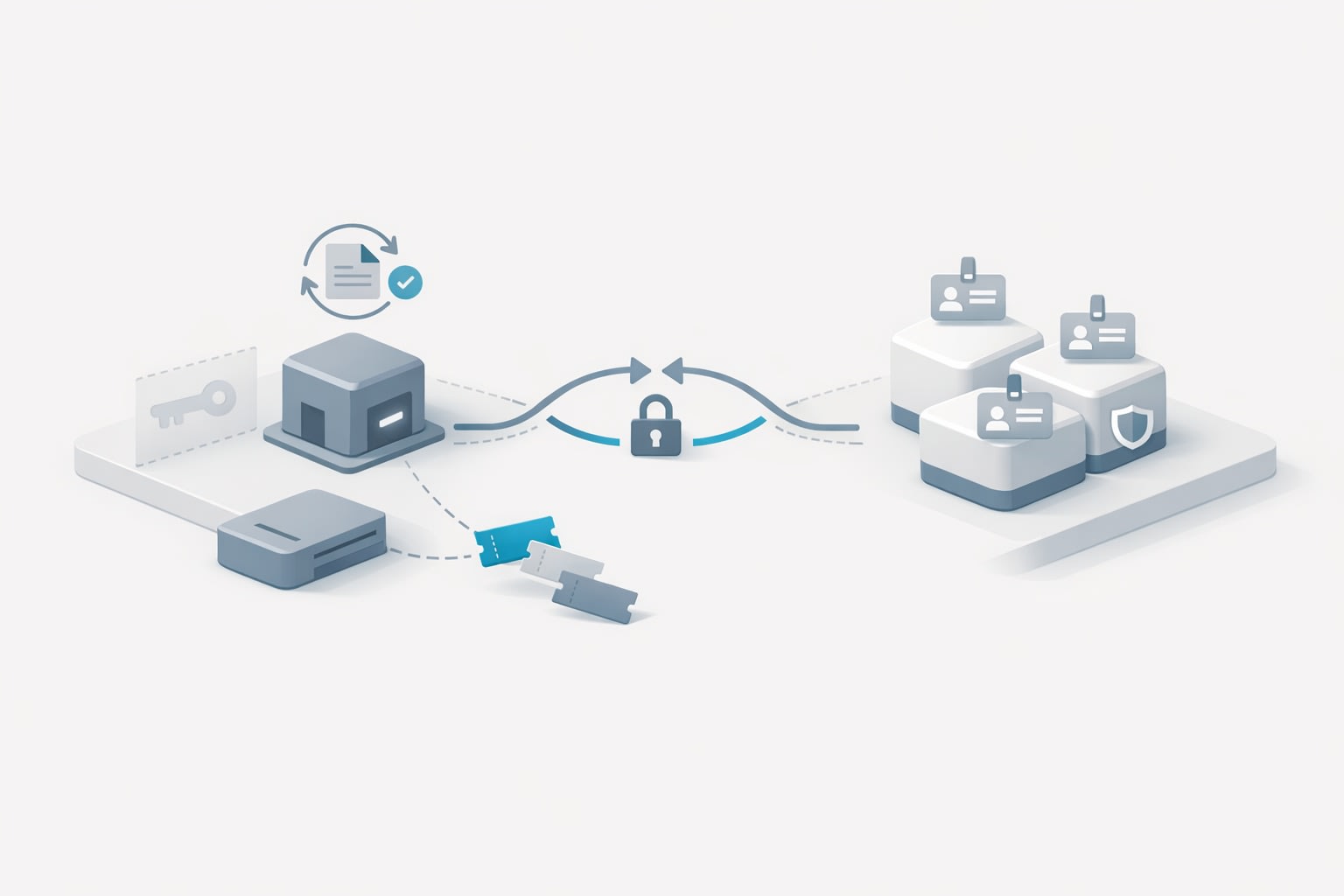
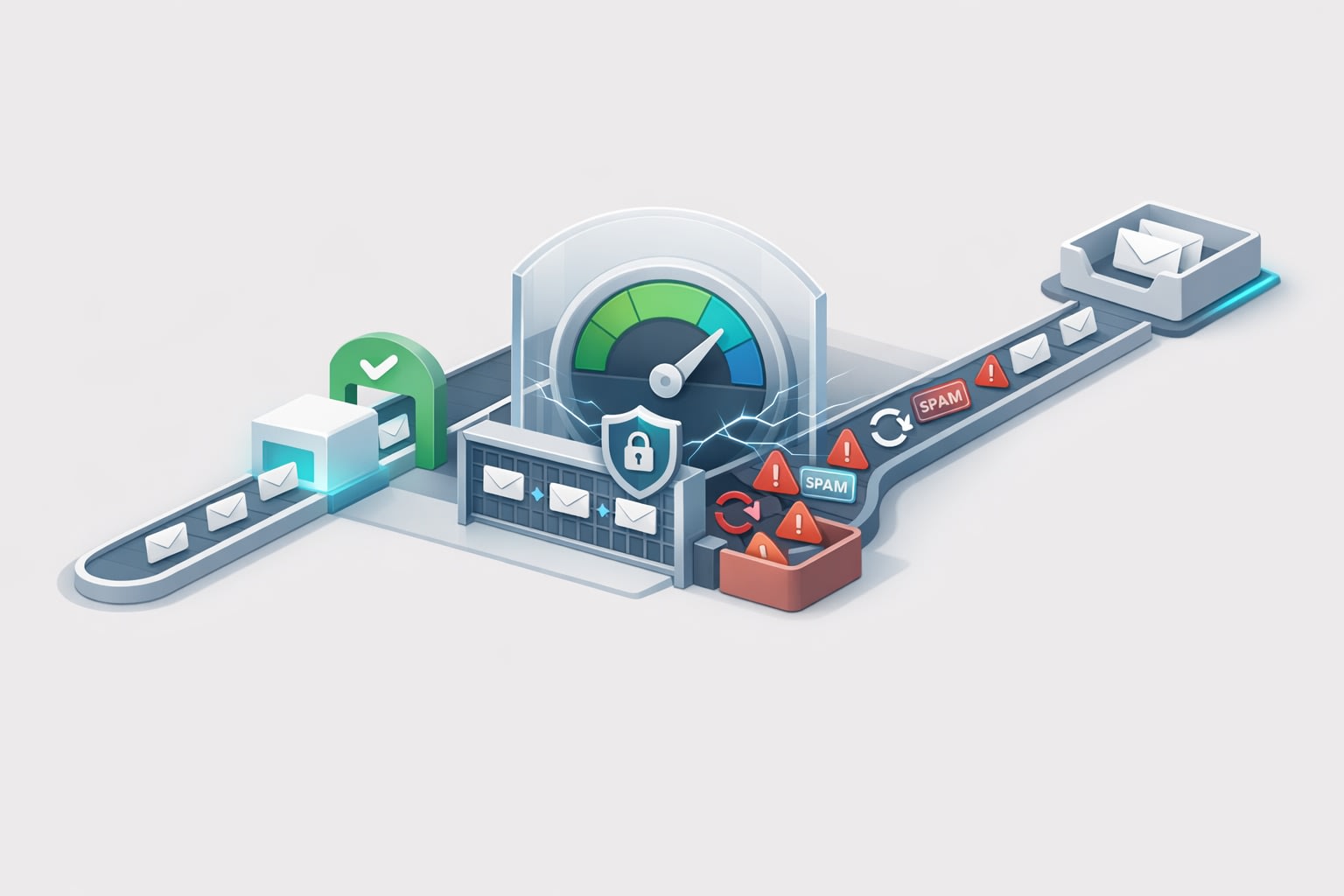
Google Consent Mode (v2) is designed to adapt Google tags based on a user’s consent choices. When a visitor declines certain storage categories, Google tags can still send limited “pings” that help with modeled measurement, while restricting the storage and use of advertising cookies.
For hotels and restaurants, the practical implication is audience size and “matchability” may drop if you depend on cookie-based identifiers alone. GA4 can still record events (depending on your configuration and legal basis), but downstream activation in Google Ads may be constrained when ad storage is denied. That’s why the focus shifts to:
- Capturing high-quality, consent-aware events in GA4
- Building audiences that reflect intent depth, not just pageviews
- Using first-party data where you legitimately have it (e.g., reservation or loyalty email)
- Reducing reporting confusion by aligning analytics and ad platforms
Rebuilding “high-intent” in GA4 for hospitality
High intent in hospitality is usually a short window: travelers compare quickly, diners decide same-day, and event bookings can involve multiple visits. GA4 audiences should mirror those timelines and decision paths.
Start with intent actions, not traffic sources
Instead of creating audiences like “All users from organic,” define audiences around behaviors that correlate with revenue:
- Booking engine engagement: view availability, select dates, select room type, start checkout
- Reservation intent: click-to-call, click “Reserve a table,” open reservation widget, confirm party size/time
- Menu intent: view menu category pages, dietary filters, “order online” clicks
- Event intent: view wedding/private dining pages, download brochure, submit inquiry form
- Local intent: get directions, map interactions, tap address, open hours
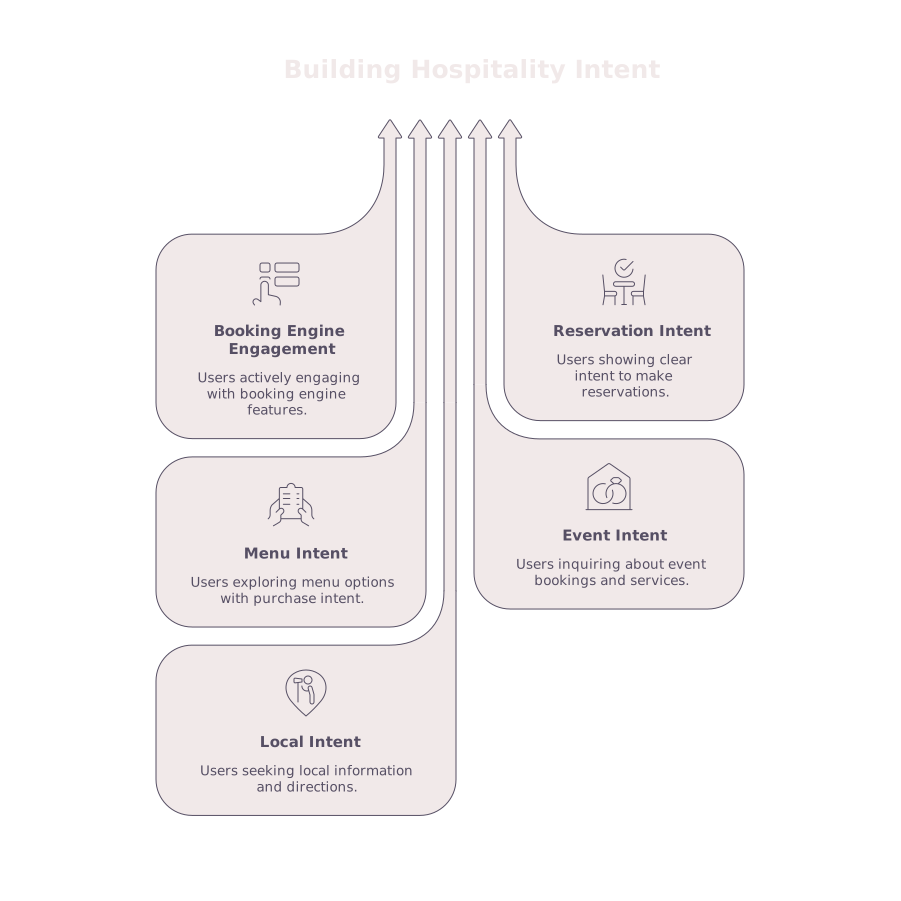
In GA4, these should be tracked as distinct events with consistent parameters (location, outlet type, room code, party size range). When consent reduces identifier persistence, the best defense is making each captured event more meaningful.
Segment by recency windows that match the purchase cycle
Hospitality retargeting improves when you stop treating all consideration windows the same. Practical GA4 audience windows often look like:
- 0–1 day: “abandoned booking” or “started reservation” (highest urgency)
- 2–7 days: “viewed rooms/menus multiple times” (active comparison)
- 8–30 days: “event inquiries and group travel” (longer decision cycle)
These windows are also more resilient to partial signal loss: even if some users aren’t eligible for cookie-based remarketing, you can still use the audiences for analysis, on-site personalization, and modeled conversion insights.
Consent-aware GA4 implementation details that matter
If your tagging is shaky, Consent Mode won’t “fix” it. You need clean inputs before you worry about audiences.
1) Fix event naming, deduplication, and parameter discipline
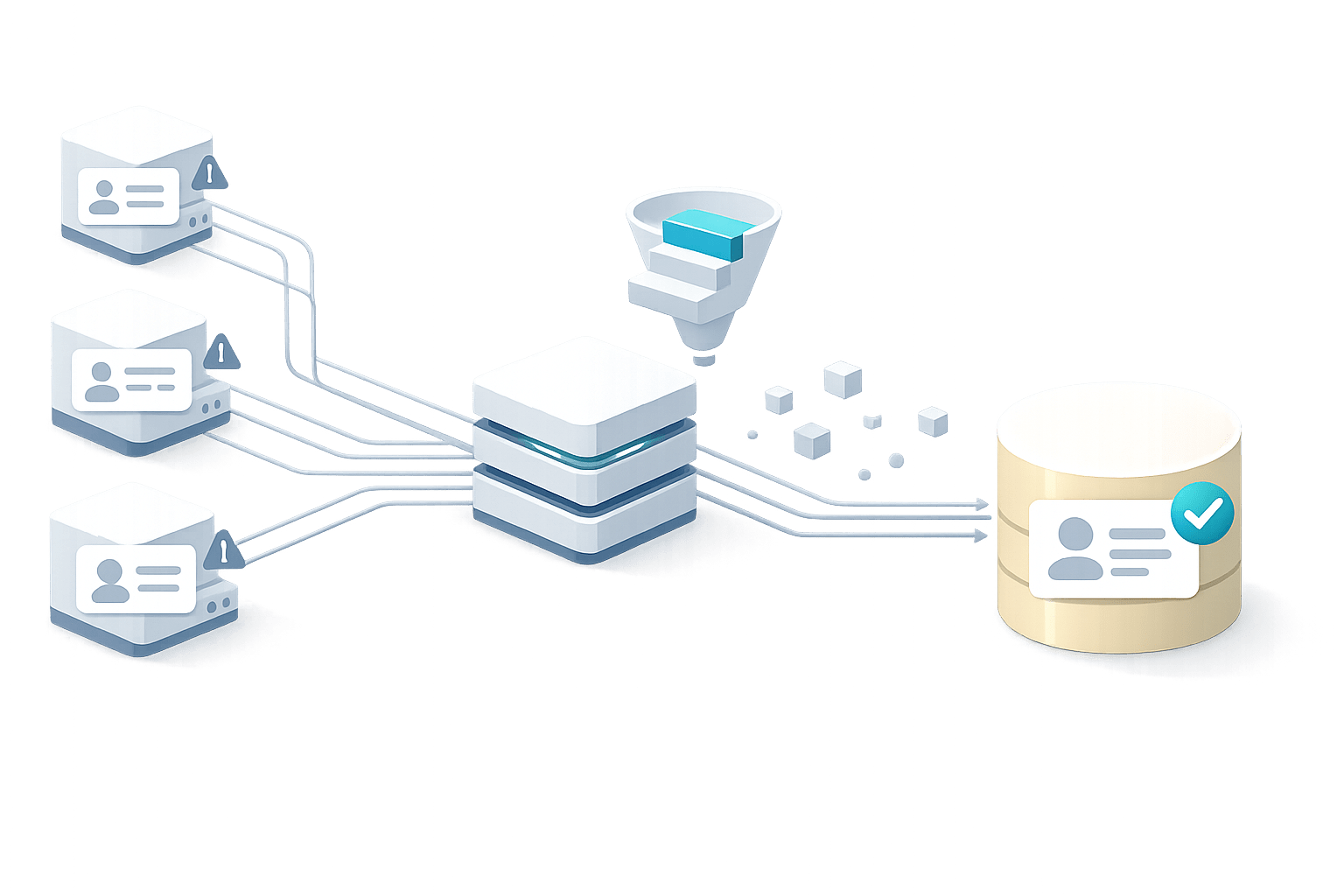
Hotels and restaurants frequently have duplicate events from embedded booking engines, multiple tag containers, or “click” triggers firing twice on mobile. This inflates audience membership and makes “abandoners” look larger than reality.
Use a short event governance checklist:
- One canonical event per intent action (e.g.,
begin_checkoutor a customstart_reservation) - Parameters defined up front (outlet, location, page type, reservation tool)
- Cross-domain tracking validated for booking engines
- Duplicate triggers eliminated (especially for click-to-call and widget opens)
2) Treat conversions as business milestones
In GA4, mark only the events that represent meaningful milestones as conversions. For a restaurant, that might be “reservation confirmed” or “order completed,” not “menu viewed.” For a hotel, it’s typically “purchase/booking confirmed,” with secondary conversions for “lead form submit” on weddings or group blocks.
This matters because GA4 audiences built from conversion-adjacent behavior (like “began checkout but did not purchase”) are stronger than audiences based on generic engagement metrics.
3) Plan for reporting gaps and delayed confirmations
Hospitality purchases often confirm in external systems (PMS, CRS, reservation platforms). Data can arrive late or get reconciled differently across GA4, ad platforms, and your CRM. If you’re seeing inconsistent ROAS or sudden CPA swings after changes, it’s often a measurement timing issue, not performance. For a deeper approach to alignment, this piece on preventing revenue mismatches across systems is a helpful reference: Stop Revenue Reporting Mismatches Between Your CRM Ad Platforms and Analytics.
Activation without third-party cookies: what still works
Consent Mode doesn’t eliminate retargeting, but it pushes you toward privacy-safe activation methods.
Use first-party data where you have a legitimate relationship
If you collect emails through reservations, loyalty programs, event inquiry forms, or Wi‑Fi signups, those can become first-party audiences (in compliant ways) for platforms that support customer matching. The key is to connect data collection to clear value (confirmation messages, special requests, loyalty benefits) and ensure consent language is appropriate for your region and audience.
Design “micro-intent” audiences for creative relevance
High-intent doesn’t have to mean “started checkout.” For hotels, someone who viewed “pet-friendly rooms” and “parking details” is showing practical booking intent. For restaurants, someone who checked “private dining” and “menu pricing” is often close to a decision.
GA4 audiences that map to these micro-intents allow more specific creative: pet policy reminders, valet details, seasonal menu highlights, or private event availability.
Focus on measurement quality before budget moves
When consent settings change, performance dashboards can appear to “break.” Before you cut spend, confirm whether the shift is a tracking/attribution change or a real demand change. A structured way to avoid reacting to noisy data is to model reporting delays and compare like-for-like time windows. This approach is outlined here: Modeling Reporting Delays With a Data-Lag Ladder to Prevent False CPA Spikes.
How to make GA4 audiences durable in hospitality
The goal isn’t to recreate the old cookie era. It’s to build audiences that are still useful when identifiers are limited:
- Define intent events tied to booking/reservation paths
- Validate cross-domain journeys for booking engines and widgets
- Build recency-based segments that match real decision cycles
- Prioritize first-party touchpoints you can legally and transparently collect
- Keep reporting stable by aligning GA4 with CRM and ad platform timings
For hotel and restaurant teams, this is where specialized hospitality execution helps: not because the tools are unique, but because the journeys are. Agencies like KiksMedia tend to see the “hidden breaks” (widgets, engines, cross-domain handoffs, and duplicate tracking) that quietly erode remarketing performance long before budgets do.