Why Pausing Email Sending Can Hurt Deliverability and How to Recover After a Break
Jamie
The calendar shock problem in email deliverability
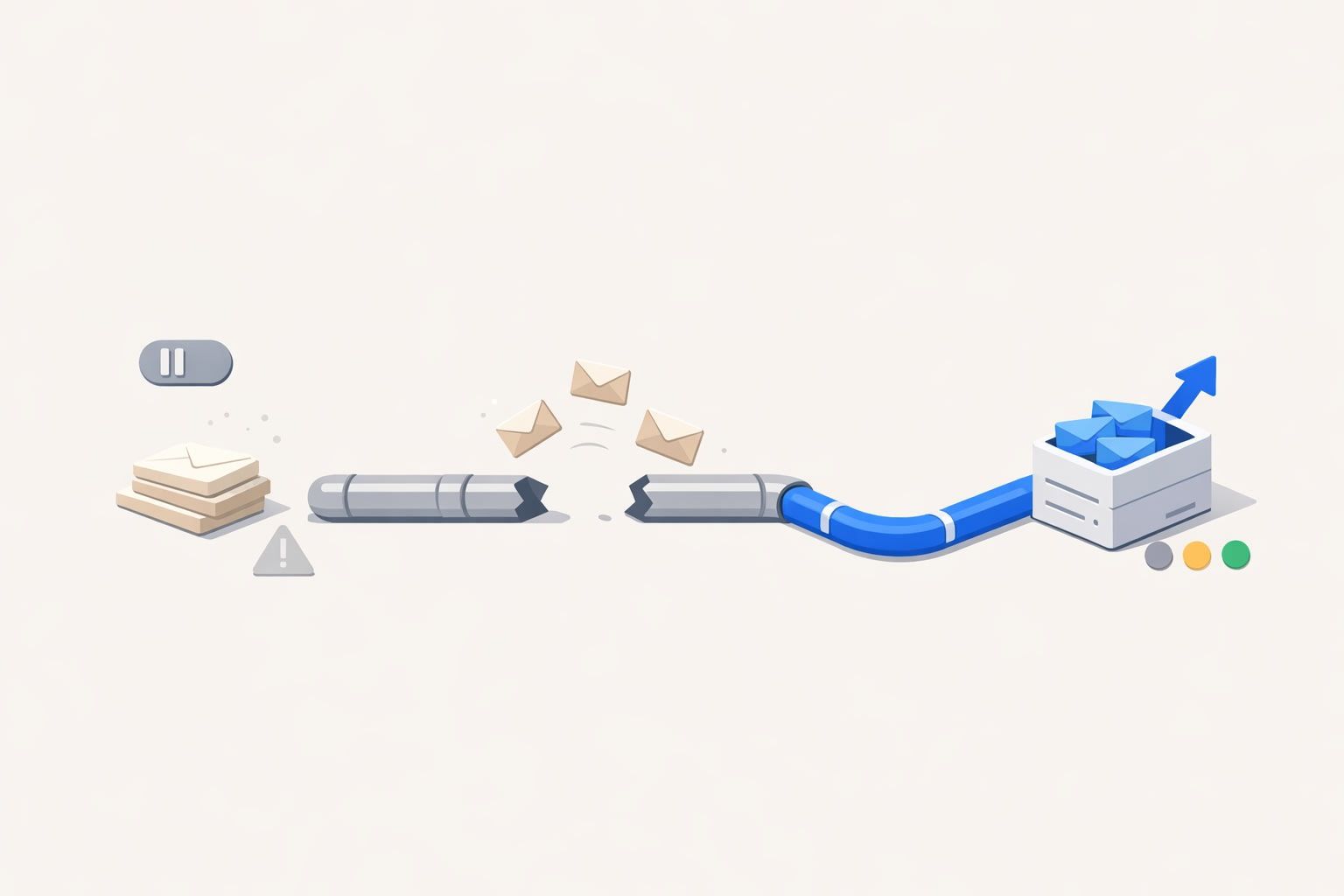
Most deliverability issues aren’t caused by one “bad” campaign. They happen when your sending pattern suddenly stops and then restarts—after holidays, travel, a product freeze, a rebrand, or simply a quarter where email wasn’t a priority. You come back, hit send, and your inbox placement drops: more spam, more missing emails, fewer replies.
This is the “calendar shock”: mailbox providers treat irregular volume and sudden changes as risk signals. If your reputation cooled down during the pause, the restart can look like a compromised sender, a bought list, or a campaign that no longer matches past engagement.
Why a pause changes how providers evaluate your mail
Reputation is partly about predictability
Gmail, Outlook/Microsoft 365, Yahoo, and others constantly estimate whether your mail is wanted. They use many signals, but consistency matters: stable cadence, stable complaint rates, stable engagement, stable bounce profile. When you go dark, you remove fresh “proof” that your recipients still want your messages.
After a long pause, your next send is evaluated with less recent positive engagement to lean on. If any negative signals appear (complaints, low opens, bounces), there’s less recent history to offset them—so filtering becomes harsher.
Engagement decays while your list keeps aging
During a pause, your list doesn’t stay the same. People change jobs, abandon inboxes, and stop recognizing your brand. That means your first post-pause send tends to have:
- Lower opens and clicks because recipients don’t remember you.
- More deletes without reading, a negative engagement signal in many ecosystems.
- More bounces (especially in B2B) because addresses expire.
- Higher spam complaints because “Who is this?” reactions spike.
The combination of engagement drop + bounce increase is exactly what spam filters are designed to detect.
Sudden volume jumps look like risky behavior
Even if your list is clean, a “back to normal” blast can resemble what spammers do: they acquire or activate a list and send at scale. If you used to send 5,000 emails a week, paused for a month, then send 20,000 in one day, the shape of that curve alone can trigger throttling and spam placement.
Infrastructure drift can amplify the shock
Paused sending is often paired with operational changes: switching ESPs, altering tracking domains, new templates, new subdomains, new authentication alignment, or a new IP pool. Each change may be safe individually, but stacked together after a quiet period it creates a “new sender” profile. The result: providers treat you like you have no reputation, or worse, a suspicious one.
Common scenarios that trigger calendar shock
- Seasonal businesses that go quiet between peaks.
- Founder-led outbound that stops during travel or fundraising and resumes with heavy sequences.
- Product freezes where lifecycle email pauses, then restarts with release announcements.
- Team transitions (new SDR manager, new CRM, new sending domain) that reset process discipline.
- Deliverability “panic fixes” where a sender pauses after seeing spam, then returns with the same list and bigger volume.
How to rebuild reputation without starting over
1) Diagnose what changed during the pause
Before you warm anything up, identify what’s different versus your last “good” period:
- Volume and cadence
- Audience source (new leads vs existing customers)
- Content and template changes (especially link density and formatting)
- Infrastructure (domain/subdomain, IP, ESP, tracking)
- Complaint/bounce patterns
If you also changed attribution or campaign naming during the break, fix your reporting so you can trust the data you’ll use to iterate. A practical reference is this guide on stopping revenue reporting mismatches between your CRM, ad platforms, and analytics.
2) Restart with your healthiest segment first
Don’t “announce you’re back” to everyone. Start with recipients most likely to generate positive signals:
- Recent customers
- Active trial users
- People who replied or clicked in the last 30–90 days (if available)
- Internal stakeholders (careful: not too many at once)
This initial phase isn’t about revenue; it’s about rebuilding a pattern of wanted mail.
3) Ramp volume gradually and keep the curve smooth
Reputation recovery is often less about the absolute number of emails and more about avoiding spikes. Increase daily volume in controlled steps, keep send times consistent, and avoid sudden list expansions.
If your business naturally sends irregularly, treat this as a permanent constraint, not a one-time fix. The discipline described in the low-volume trap and how to warm up inboxes for irregular sending maps closely to calendar shock recovery: you’re training providers to expect your cadence.
4) Use content that earns “this is wanted” signals
After a pause, your safest emails are the ones that feel personally relevant and easy to act on:
- Short, plain language
- One clear call to action
- Fewer links (especially fewer redirects and tracking-heavy URLs)
- Reply-friendly prompts (“Is this still the right contact for X?”)
Avoid making your first post-pause sends overly designed, overly linked, or “newsletter-like” if your normal pattern is conversational. The goal is to rebuild engagement predictably.
5) Clean and suppress aggressively during the ramp
Calendar shock is often a list quality problem revealed by time. During recovery:
- Remove hard bounces immediately.
- Suppress chronic non-openers during the early ramp (you can re-test later).
- Be cautious with older imports or scraped data—post-pause is the worst time to introduce them.
This can feel like “sending less,” but it typically increases inbox placement and lets you scale again without burning reputation.
6) Add warmup activity to bridge the gap between campaigns
If you know you’ll have pauses (holiday shutdowns, quarterly launches, travel), build a plan that maintains baseline positive activity so your reputation doesn’t cool off completely. This is where a warmup and deliverability platform can help you avoid repeated resets.
mailwarm is designed for this exact kind of reputation maintenance and recovery: it generates realistic engagement signals (opens, replies, inbox interactions, and spam recovery actions) across major providers, which can help stabilize sender reputation at the mailbox, domain, and IP levels when your real-world cadence is uneven.
7) Monitor inbox placement, not just open rate
After a pause, open rate alone can mislead you—especially with privacy features and changes in how opens are recorded. Track a mix of indicators:
- Spam complaint rate
- Bounce rate by domain/provider
- Reply rate (for outbound) and conversion rate (for lifecycle)
- Provider-specific throttling or deferrals
When something dips, adjust volume first, then segmentation, then content. Big infrastructure changes should be last—unless you have clear evidence they’re the root cause.
What not to do when you come back from a sending pause
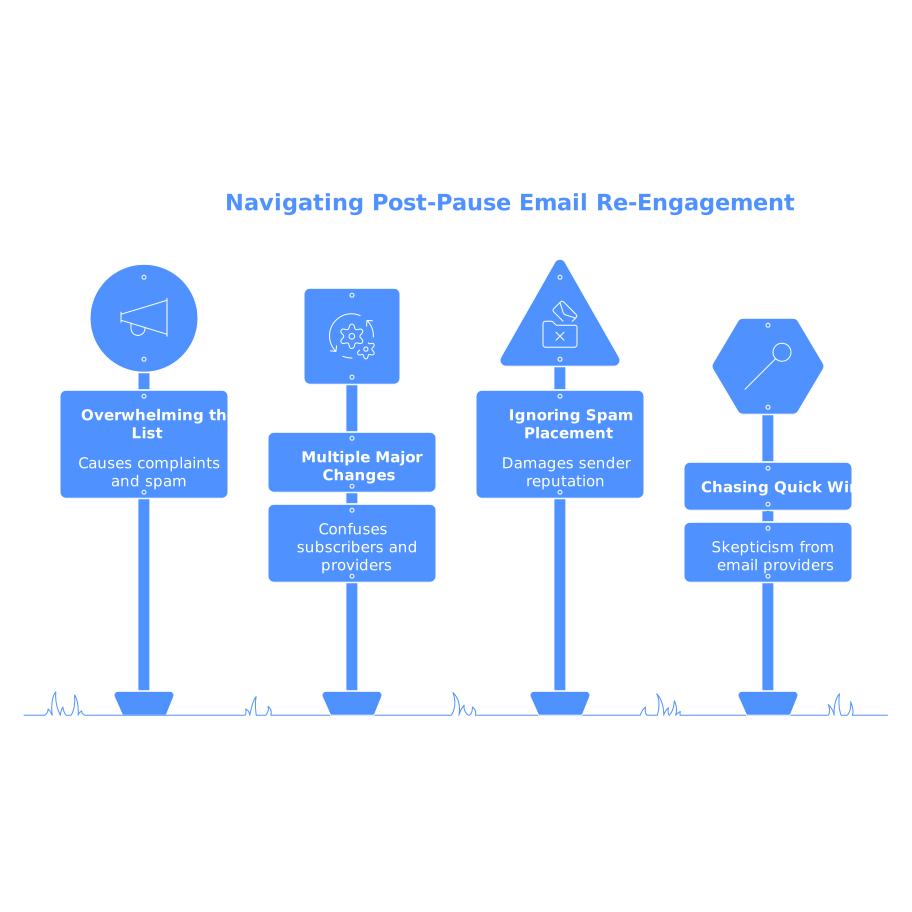
- Don’t blast the entire list to “restart engagement.” That’s how you manufacture complaints.
- Don’t introduce multiple major changes at once (new domain + new template + new ESP + higher volume).
- Don’t keep hammering if you see spam placement. Slow down, tighten segments, and rebuild.
- Don’t chase quick wins with questionable data sources. Post-pause is when providers are most skeptical.
A recovery plan you can reuse after every holiday or freeze
The most sustainable way to avoid calendar shock is to treat deliverability as an operational system: keep cadence smooth, keep list hygiene strict, and maintain lightweight engagement signals even when you’re not running major campaigns. If a pause is unavoidable, resume with your best recipients first, ramp volume gradually, and support the restart with tools and processes that preserve reputation instead of forcing you to “start over” each time.