Shadow IT to Shared Intelligence for AI Meeting Transcripts
Jamie
Why AI meeting transcripts become Shadow IT so quickly
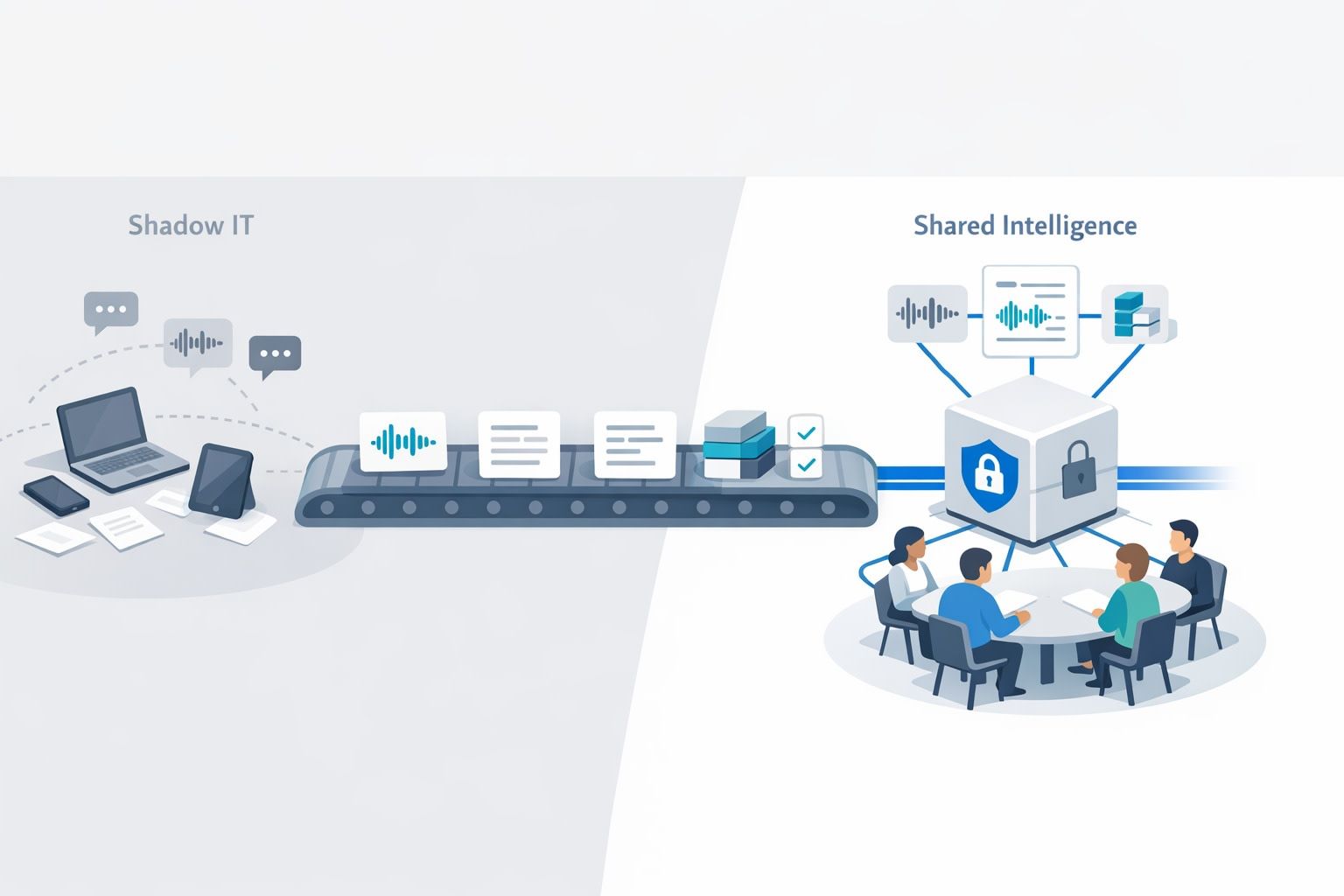
AI meeting transcripts tend to appear in an organization before there’s any shared governance model for them. One team tries an AI notetaker to save time. A second team copies the idea. Soon you have the same sensitive artifacts—customer calls, roadmap discussions, incident reviews—stored across personal drives, Slack threads, and disconnected vendor workspaces.
This is “Shadow IT” in its most modern form: not a rogue server in a closet, but untracked data flows and permissions that don’t match how the business actually works. And transcripts are high-leverage: they contain decisions, context, commitments, and sometimes regulated data. If you can govern them lightly—without slowing teams down—you can turn scattered notes into shared intelligence.
A lightweight governance model that doesn’t kill adoption
The goal isn’t to centralize everything in a heavyweight records system. It’s to standardize a few controls that make transcripts safe to share, easy to find, and easy to audit. The model below focuses on three pillars:
- Permissions that reflect real team boundaries and customer sensitivity
- Audit trails that make access and sharing observable
- Cross-team discovery that surfaces what you need without exposing what you shouldn’t
1) Permissions: start with “who should ever see this?”
Transcript governance fails when it begins with tool settings instead of data intent. Before you touch roles and toggles, define a simple classification that teams can apply in seconds:
- Internal: routine internal meetings, low sensitivity
- Customer: sales/support/customer success conversations
- Confidential: roadmap, legal, security, HR, M&A, executive reviews
Then map each class to an access default. For example:
- Internal defaults to team-wide access.
- Customer defaults to the account team + relevant leadership; optional wider visibility via approved sharing.
- Confidential defaults to explicit invite-only access.
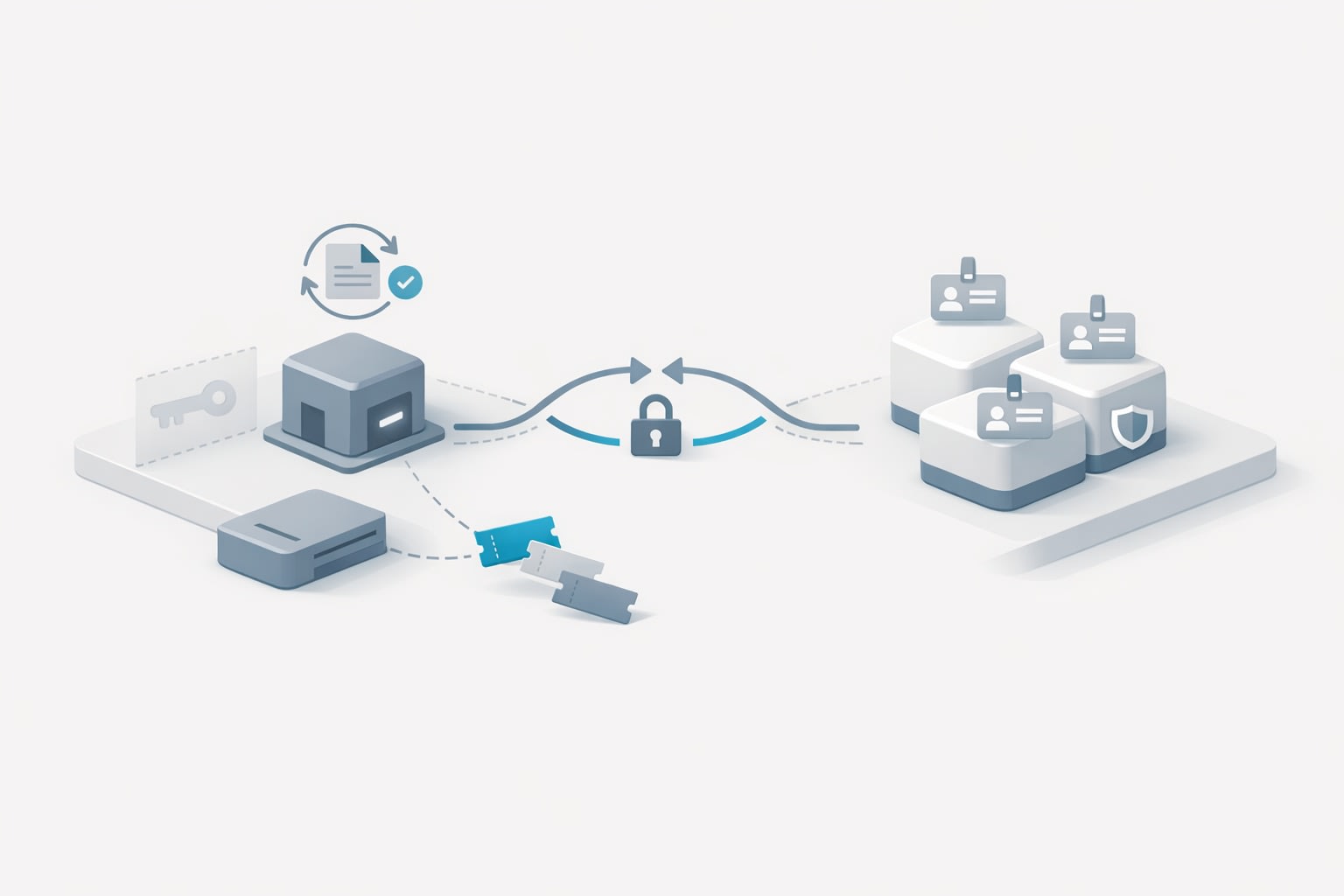
The practical trick is to keep the rules simple enough that people follow them. A lightweight model works best when it matches existing identity structures (departments, squads, deal teams) and when it can be enforced with SSO groups rather than manually maintaining lists.
Operational controls that matter most
- Team spaces and folders: Use shared spaces for team-owned knowledge and keep personal workspaces for drafts. Decide which meeting types must land in a team space.
- External sharing boundaries: If transcripts can be exported or shared by link, decide who can do that and under what conditions.
- Lifecycle ownership: Assign an “owner” for each transcript by default (often the meeting host or the organizer’s team), so responsibility is never ambiguous.
When tools support it, align permissions with enterprise features such as SSO and SCIM to keep access current as employees change roles or leave.
2) Audit trails: make access and sharing reviewable
In practice, audits aren’t just for compliance. They’re how you resolve everyday questions quickly:
- Who shared this transcript outside the team?
- When did a summary get pushed into a CRM field?
- Which calls were accessed during an investigation?
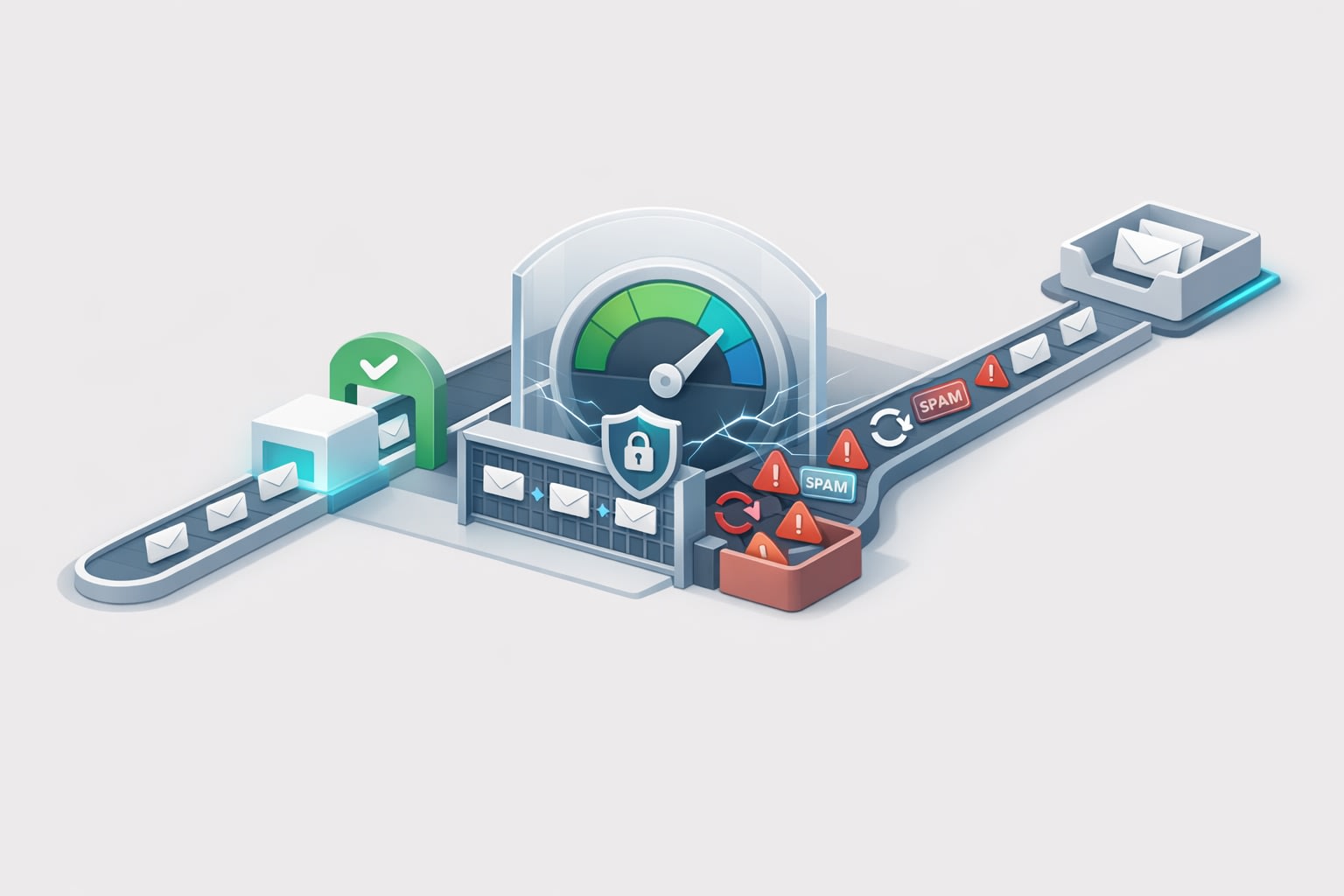
A lightweight audit approach focuses on a small set of events that you can consistently log and periodically review:
- Creation events: meeting recorded, transcript created, summary generated
- Access events: view, search, download/export (if available)
- Sharing events: link creation, permission changes, external invites
- Integration events: pushes to Slack/CRM/task tools; field sync changes
- Retention events: deletion, expiration, policy overrides
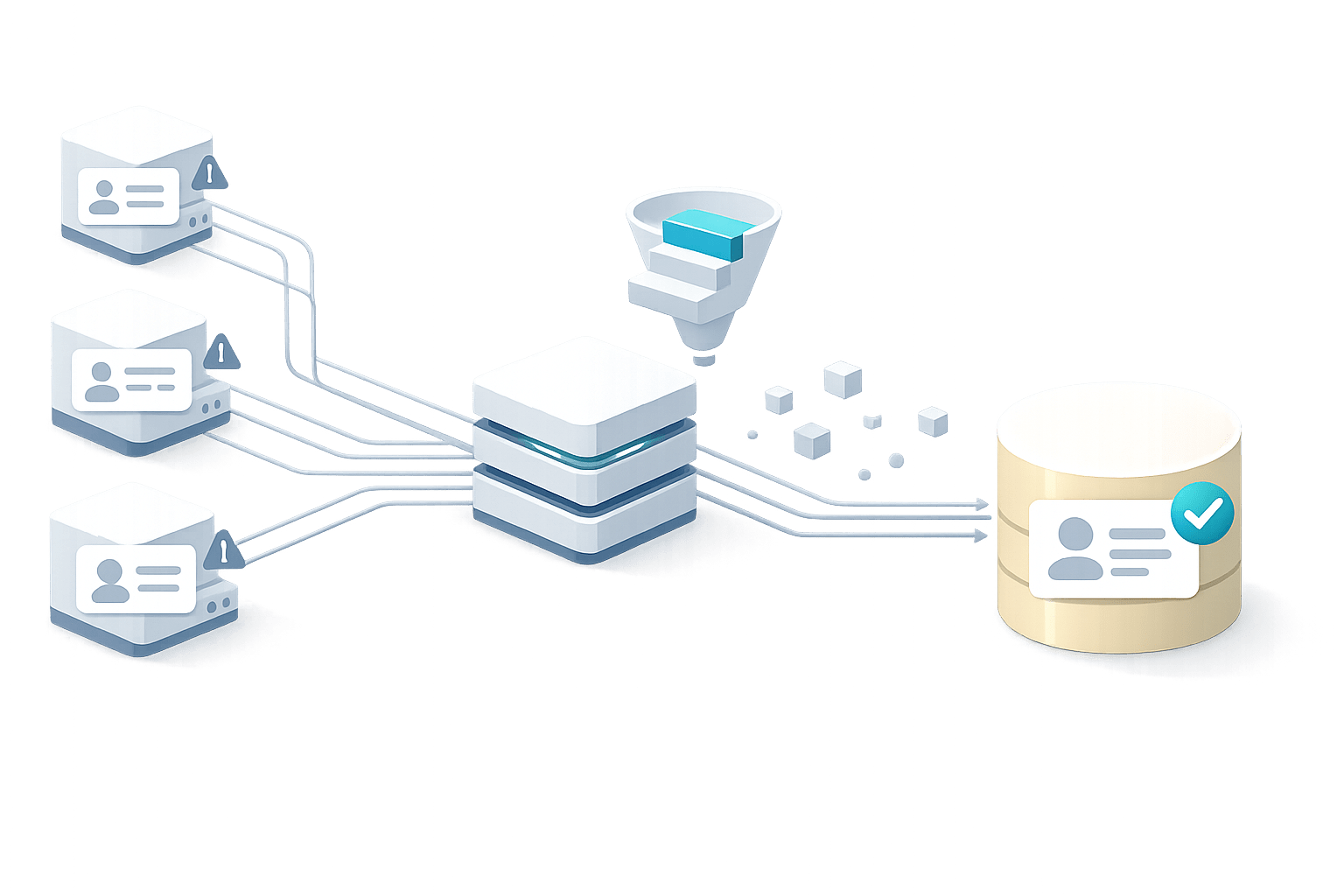
The most common governance pitfall is letting integrations create a second Shadow IT layer. If summaries and action items are automatically synced into Salesforce, HubSpot, Asana, Notion, or Slack, you need to treat those destinations as part of the transcript’s audit surface. Track which automations exist, who owns them, and where data lands.
If you’re battling noisy integrations and unclear ownership, an integration governance pass helps prevent “automation sprawl.” The same thinking behind an integration debt audit checklist applies here: inventory the flows, identify what’s business-critical, and eliminate the rest.
3) Cross-team discovery: design for “findable, not leaky”
Discovery is where AI transcripts turn into shared intelligence. But discovery done poorly turns into accidental data exposure. The governance goal is to enable cross-team learning while respecting permissions.
Use discovery layers instead of one global free-for-all
- Metadata-level discovery: Let people search titles, attendees, customer/account, and tags across the org—while restricting access to the content itself.
- Permissioned full-text search: Allow full-text search only within what the user is allowed to see.
- Curated sharing: Encourage teams to publish “approved” highlights, clips, or summaries into shared spaces (e.g., a Sales Learning folder, Voice of Customer playlist, or Product Insights collection).
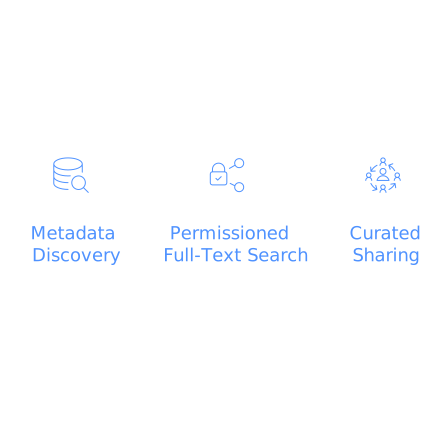
Curated sharing is especially effective because it supports cross-team discovery without asking every meeting to be universally accessible.
Standardize tagging so search works across teams
Transcripts become discoverable when tagging is consistent. Keep the taxonomy small:
- Account (or customer name)
- Topic (pricing, onboarding, security review, integration, bug)
- Outcome (decision, risk, next steps, escalation)
This is also how you reduce duplicate work across support, sales, and product. When you can search “SOC 2 questionnaire” or “SSO setup friction” across calls, you can spot repeat pain points early—before they become roadmap chaos. The patterns mirror what happens with written feedback: see how to identify repeat signals in Feedback Debt and how to spot duplicate requests.
Turning governance into an operating rhythm
Lightweight governance works when it becomes a monthly habit, not a one-time policy. A practical operating cadence looks like this:
- Weekly: spot-check a handful of transcripts for correct classification and sharing settings.
- Monthly: review audit events (exports, external shares, permission changes) and clean up risky patterns.
- Quarterly: revisit retention policies, update tagging taxonomy, and revalidate integration destinations.
The other key is making “the right way” the easiest way. Tools that support team search, folders, comments, keyword alerts, and structured sharing reduce the incentive for employees to forward raw transcripts around as files.
What this looks like with Fathom in the stack
In many organizations, the easiest governance win is standardizing on one primary system for meeting transcripts and summaries, instead of letting each function pick its own. Fathom is designed around turning meeting capture into usable team knowledge: searchable transcripts, shared visibility through folders and comments, highlight clips and playlists for curation, and “Ask Fathom” to query past conversations for specific answers. For teams, the value is less about recording and more about controlled discovery—people can find what they need without recreating the same context from scratch.
On the governance side, enterprise-ready capabilities like SSO/SCIM, configurable data retention policies, and structured integrations help you implement the permission, audit, and discovery model without building a bespoke system. The best outcome is when transcripts stop living as personal artifacts and start functioning as a dependable organizational memory—secure, reviewable, and genuinely useful.