The No-Switch Note Method to Turn Meeting Notes Into Scheduled Next Actions
Jamie
Turn meeting notes into action before the tab-switching starts
Most meetings don’t fail because nobody took notes. They fail because the notes never become actions. A decision gets buried in a paragraph. A promise to “send that doc” dissolves into your inbox. A follow-up that sounded obvious in the room becomes ambiguous two hours later.
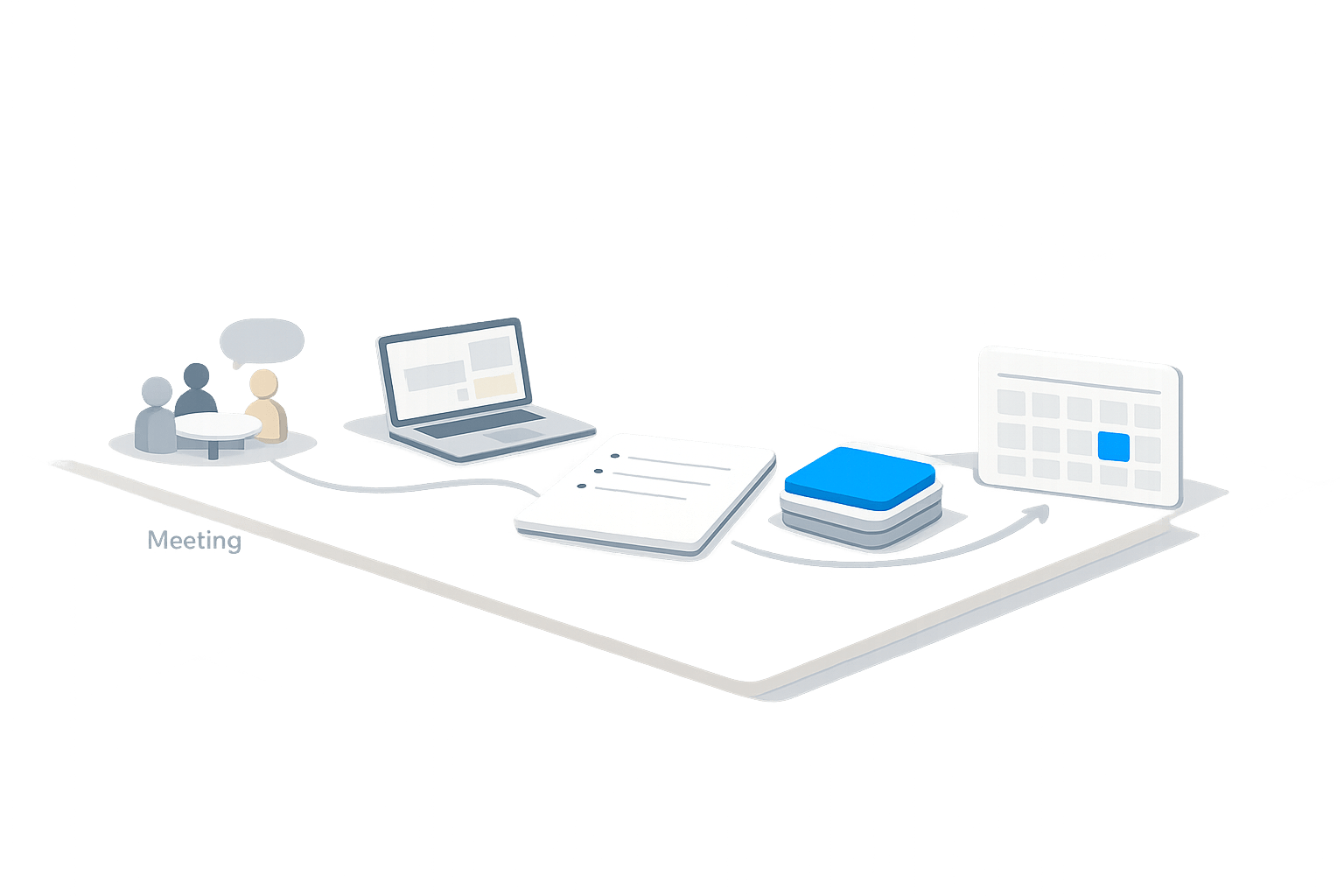
The “No-Switch Note” is a simple post-meeting protocol: five minutes, no new tabs, no new tools, and no “I’ll clean this up later.” You stay inside the same workspace where your meeting notes live and convert what matters into scheduled next actions while context is still warm.
This approach is especially effective in an all-in-one environment like Routine, where notes, tasks, and calendar blocks can live together—so the protocol stays lightweight instead of turning into a multi-app ritual.
The No-Switch Note protocol in 5 minutes
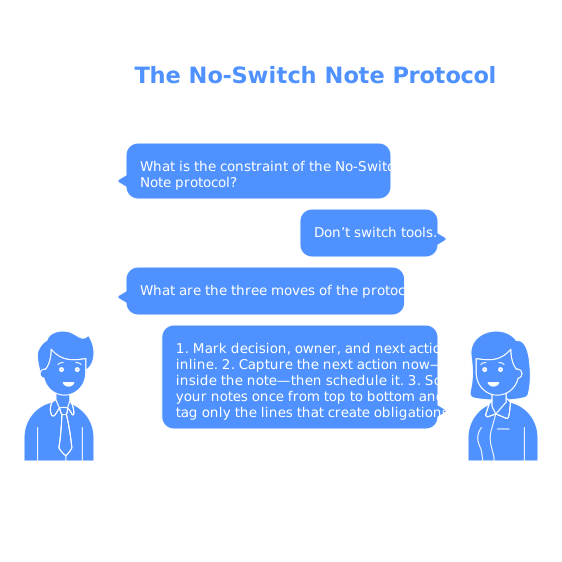
The protocol has one constraint and three moves.
The constraint: don’t switch tools
“No-switch” means you don’t open your email, your project tracker, Slack, or another note app “just for a second.” The moment you switch, you introduce a second context, and the meeting context fades. If something must be sent later, you still capture the next action now—inside the note—then schedule it.
Move 1 (minute 0–2): Mark decision, owner, and next action inline
Scan your notes once from top to bottom and tag only the lines that create obligations. You’re not rewriting. You’re extracting signal.
- Decisions: anything the group agreed is true, chosen, or settled.
- Owners: who is responsible for moving it forward (including you).
- Next actions: the smallest observable step that advances the decision.
A practical pattern is to standardize short prefixes so your eye can find them quickly later:
- DEC: for decisions
- OWN: for owner
- NA: for next action
Example (kept intentionally brief):
- DEC: Ship the onboarding email update in this sprint
- OWN: Maya
- NA: Draft variant B copy and share in review
This step prevents “action drift,” where your future self can’t tell whether a sentence was a thought, a question, or a commitment.
Move 2 (minute 2–4): Convert only your next actions into scheduled blocks
Now convert your own “NA:” lines into tasks and place them on the calendar. The key is to schedule, not just capture. A task that isn’t scheduled competes with everything else and usually loses.
Use a simple rule of thumb:
- If it takes < 2 minutes, do it immediately (still without leaving the note if possible—e.g., jot the message draft in the note).
- If it takes 2–20 minutes, schedule a small block today or tomorrow.
- If it takes > 20 minutes, schedule a focused block and clarify the “definition of done” in the task title.
In practice, this is where an integrated calendar-and-task setup helps. In Routine, you can turn a line from meeting notes into a task and time-block it without rebuilding the context elsewhere—so the “five minutes” stays realistic.
Be strict about action wording. “Follow up with Sam” is vague. “Send Sam the updated pricing doc and ask for approval by Thursday” is schedulable and trackable.
Move 3 (minute 4–5): Close loops with a mini recap and one source of truth
End with a 30–60 second recap that lives at the top of the note. Keep it short: the goal is to prevent re-reading the entire transcript later.
- Decisions (1–3 bullets)
- Your scheduled next actions (with dates/times)
- Open questions (if any) and who owns them
Then decide where the “source of truth” is. For many teams, it’s the shared meeting note. For projects with heavy cross-team dependencies, it might be the project page—still linked from the note. The important part is that you don’t duplicate the same commitments across five places.
Why this works when “clean notes later” fails
It reduces context decay
The most accurate moment to interpret meeting notes is right after the meeting, when you still remember what “we” meant by “soon,” which option felt risky, and what got deprioritized. Waiting until end of day turns clear intent into guesswork.
It prevents invisible backlog growth
Unconverted notes create a hidden queue: follow-ups that aren’t tracked, bugs that never get logged, and dependencies that resurface at the worst time. If you’ve seen customer issues “suddenly” derail a roadmap, the root cause is often this invisible accumulation. The same dynamic shows up in support and product work; the article on the silent queue problem captures how untracked items become surprise work later.
It makes time blocking practical
Time blocking only works when scheduling is frictionless. If converting notes means copying into another app, renaming items, and then deciding when to do them, you’ll postpone the process. The No-Switch Note removes those steps, making “plan the work” part of the meeting cadence rather than a separate admin session.
Templates you can copy into any meeting note
Top-of-note recap block
- Decisions:
- My next actions (scheduled):
- Open questions + owner:
Inline capture patterns
- DEC: …
- OWN: …
- NA: …
- WAITING: … (items you’re blocked on, with the person/date)
Common failure modes and quick fixes
You capture too many tasks
If everything becomes a task, nothing is. Only convert items that are (1) owned by you and (2) truly next. For everything else, record the owner and a single follow-up checkpoint (e.g., “If no update by Wednesday, ping”).
Actions are phrased as projects
“Improve onboarding” isn’t a next action; it’s a theme. Force a verb and a deliverable: “Draft onboarding email variant B” or “Pull last 30 days activation drop-off data.”
The team duplicates requests across channels
When meetings touch support, sales, and forums, the same request often gets logged multiple times with different wording. If your notes repeatedly reference “that same ask again,” it’s a sign you need a lightweight deduping habit alongside the No-Switch Note. The post on feedback debt and spotting duplicate requests is a useful companion when you’re translating conversations into a clean backlog.
How to make it a habit without adding process weight
- Set a default 5-minute buffer after recurring meetings so the protocol has a guaranteed slot.
- Use the same prefixes everywhere (DEC/OWN/NA/WAITING) so scanning becomes automatic.
- Schedule first, polish never: don’t rewrite notes; convert commitments into scheduled actions while the context is live.
- Keep it in one workspace so the constraint is easy to follow—notes, tasks, and calendar in one place is the whole point.
The No-Switch Note is not a new system to maintain. It’s a tiny discipline that makes meetings pay rent: decisions stay visible, owners stay clear, and next actions are already on the calendar before the day fills up.